The best part of freelancing is that you are your own boss. The worst part? You are your own boss.
Without a manager hovering over your shoulder or a 9-to-5 clock to punch, it is incredibly easy for “freedom” to turn into chaos. You might find yourself working in your pajamas at 10 PM, missing deadlines, or drowning in a sea of sticky notes and open browser tabs.
To survive and thrive, you need structure. But structure doesn’t mean rigidity; it means having a system.
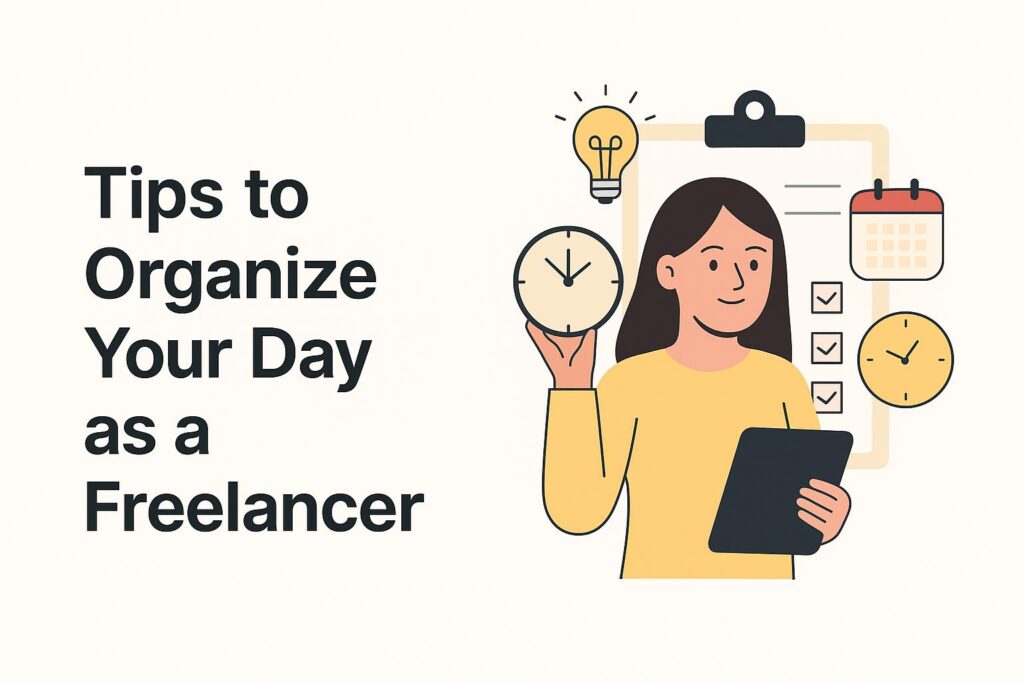
Here is a step-by-step guide to organizing your freelance day, combining classic productivity techniques with the power of Feedcoyote to keep you on track.
1. Start with “The Plan” (Not Your Inbox)
The Generic Tip: Never start your day by checking email. It puts you in “reactive” mode, solving other people’s problems instead of prioritizing your own. Instead, use the “Eat the Frog” method: identify the one big, difficult task you must get done and do it first.
Don’t write your “Frog” on a loose piece of paper. Centralize it.
- Step 1: Log into Feedcoyote first thing in the morning.
- Step 2: Open your Task Manager within your Project Workspace.
- Step 3: Look at your “In Progress” column. That top task? That’s your frog.
- Why this works: By keeping your to-do list inside your project management tool, you have all the files and context you need to start immediately, without getting distracted by your email inbox.
2. Execute with the Pomodoro Technique
The Generic Tip: The Pomodoro Technique is a time management method where you work for 25 minutes of intense focus, followed by a 5-minute break. This prevents burnout and keeps your brain fresh.
Use Feedcoyote to define what you do during those 25 minutes so you don’t wander.
- Step 1: Select a specific task card in your Feedcoyote Project Workspace (e.g., “Draft Blog Post for Client X”).
- Step 2: Set your timer for 25 minutes.
- Step 3: Work only on that task. If you need to upload a file or leave a note, do it directly on that Task Card using the File Sharing and Comments features.
- Why this works: It prevents “tab switching.” You stay inside the project environment, keeping your focus laser-sharp on the deliverable.
3. Batch Your Communication
The Generic Tip: Constant notifications kill productivity. Context switching (stopping work to answer a text) can cost you up to 20 minutes of focus. successful freelancers use “Communication Batching”—checking messages only at set times (e.g., 11 AM and 4 PM).
Stop using WhatsApp, Slack, and Email for the same project. It scatters your brain.
- Step 1: Move all project-related talk to Feedcoyote Chat.
- Step 2: Close your other tabs. When your “Communication Block” arrives, open Feedcoyote.
- Step 3: Review the Project Chat or specific Task Comments.
- Why this works: You only see messages relevant to the work. You aren’t distracted by memes from friends or spam emails. It keeps your headspace professional.
4. Standardize Your Admin Hour
The Generic Tip: Freelancing is 50% work and 50% business management. If you don’t schedule time for contracts and invoices, you won’t get paid. Schedule a specific “Admin Block” on Friday afternoons or Tuesday mornings.
Feedcoyote is designed to be your “Admin Assistant,” making this block go much faster.
- Step 1: Go to your Contracts tab to see which new agreements need to be sent or signed.
- Step 2: Check your Invoicing dashboard. See which invoices are “Viewed” or “Paid” and send reminders with one click.
- Why this works: You don’t need to open accounting software or draft contracts from scratch. Feedcoyote handles the boring stuff so you can get back to creative work.
5. Know When to Outsource (The “Overflow” Valve)
The Generic Tip: The ultimate productivity hack is realizing you can’t do it all. If your to-do list is consistently overflowing, you are the bottleneck. You need to delegate.
Unlike Trello or Asana, Feedcoyote isn’t just a tool; it’s a Network.
- Step 1: Look at your Task Manager. Is there a task you keep pushing back (e.g., “Graphic Design”) because you aren’t good at it?
- Step 2: Click the “Coyotes” tab to access the global freelancer network.
- Step 3: Find a specialist, invite them to your project, and assign that task to them.
- Why this works: You instantly turn a productivity blocker into a completed task by Teaming Up.
Systemize Your Success
Organizing your day isn’t about having more willpower; it’s about having a better system.
By combining proven methods like Pomodoro and Communication Batching with Feedcoyote’s all-in-one platform, you remove friction. You stop toggling between apps and start flowing through your work.
Ready to take control of your schedule? Join Feedcoyote today to plan, execute, and manage your freelance day like a pro.